ideafiller
360° video has moved from novelty to necessity. If you’re filming travel, action, real estate tours, or social content, 360 gives you something traditional cameras can’t: the full environment — so viewers can explore the moment, not just watch a frame.
In this guide, you’ll learn:
- ✅ How to film in 360° (step-by-step)
- 🎯 The best scenarios (travel, pool, action, real estate)
- 🧰 The best gear to use (and what to avoid)
- ✂️ Editing + exporting for YouTube/Instagram/TikTok
Let’s break it down.👇
How to Film in 360° and What Is the Best Gear to Use
Practical, real-world tips for travel, adventure, water & action shots — plus the best setup choices for fast editing and clean results.
1. What Is 360° Filming?
360° cameras capture a full sphere around the lens setup (usually dual ultra-wide lenses). Footage is stitched into one seamless “world” that viewers can pan around. You can publish true interactive 360 videos (YouTube/Facebook) or reframe the best angles into standard 16:9, 9:16, or 1:1 clips for Instagram and TikTok.
What makes 360 different?
Because viewers can look anywhere, movement and environment matter more than perfect “camera framing.” The best 360 clips feel like you’re there.
2. The Best Scenarios for 360 Footage
360 shines when the environment is part of the story. Here are the situations where it consistently looks “expensive” and performs well on social.
| Scenario | Why 360 Works | Simple Shot Ideas |
|---|---|---|
| Travel | Viewers explore the location naturally. | Walk-throughs, viewpoints, city streets, markets. |
| Water / Pool | 360 makes splashes and context feel immersive. | Pool edge shots, floating perspectives, underwater transitions. |
| Action sports | Third-person angles + speed look cinematic. | Bike trails, skiing, skate, running POV + follow cams. |
| Real estate | Spatial awareness sells better than flat video. | Room tours, entry-to-living flow, backyard reveal. |
3. How to Film in 360° (Step-by-Step)
Most 360 mistakes come from two things: messy environments and shaky movement. If you fix those, your footage instantly looks more professional.
Step 1 — Pick a clean scene
In 360, clutter is everywhere. Choose a spot where every direction is “safe” to show.
Step 2 — Stabilize movement
Use an invisible selfie stick, monopod, or small tripod. Walk slower than you think you should.
Step 3 — Watch stitch lines
Keep important subjects away from the stitching seam area (typically sides). Don’t place faces right on the seam.
4. What Is the Best Gear to Use?
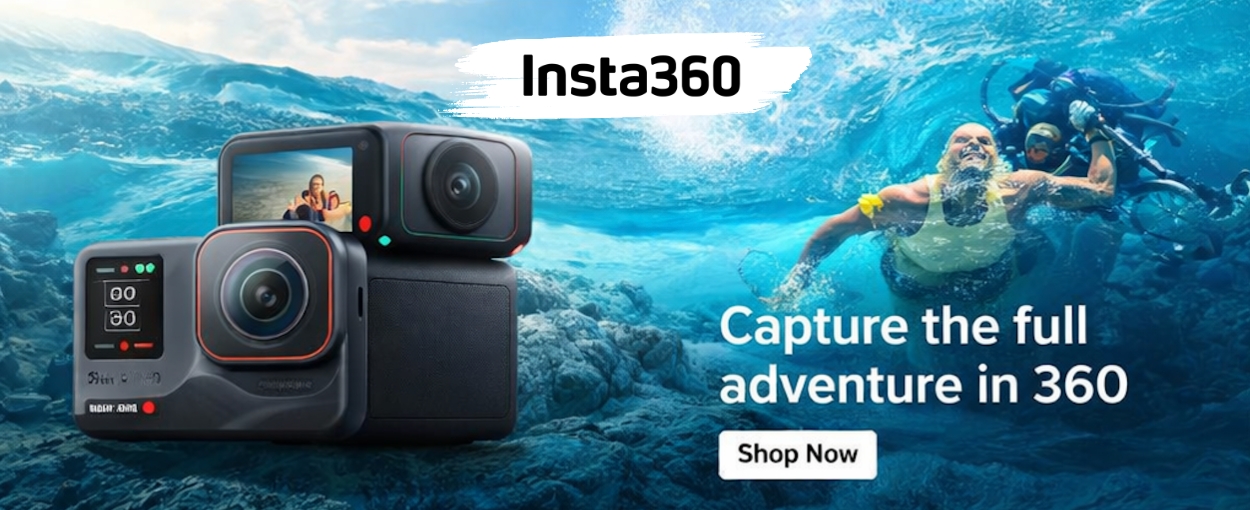
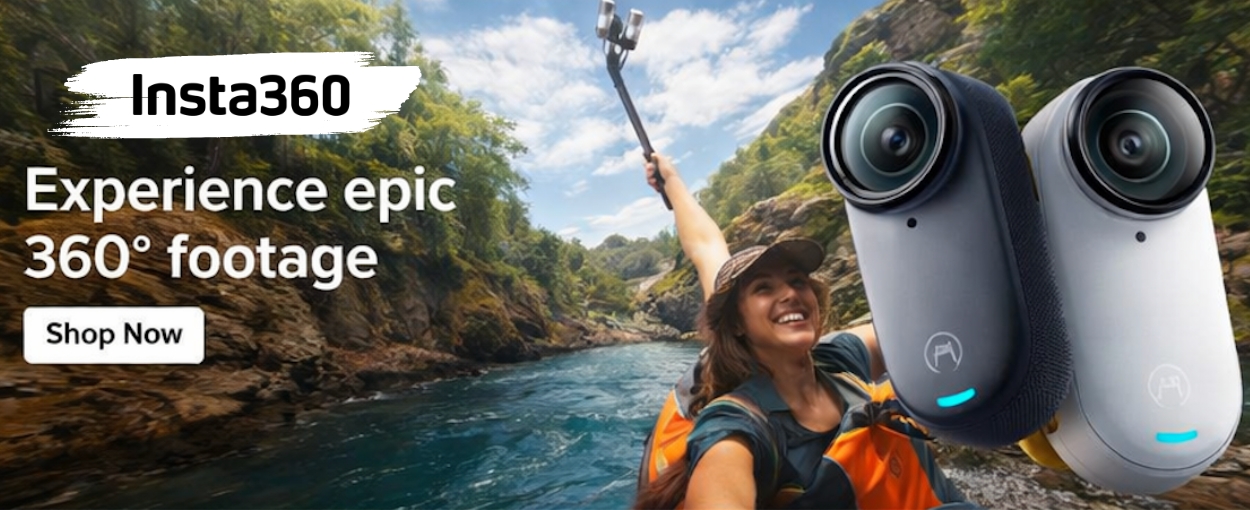
There are multiple 360 camera brands, but for most creators — especially travel/adventure/water/action — Insta360 is usually the strongest all-around choice because the ecosystem is built for fast shooting and fast editing.
| Gear | Best For | Why It Matters |
|---|---|---|
| 360 Camera | Everything | Clean stitching + stabilization is non-negotiable. |
| Invisible Selfie Stick | Travel / Action | Creates the “floating camera” look people love. |
| Small Tripod / Monopod | Real estate / static scenes | Stable horizon, clean tours, less motion sickness. |
| Spare battery + fast microSD | Long shoots | Prevents dropped frames and “sorry, battery died” moments. |
| Waterproof setup | Pool / ocean | Confidence + better creativity near water. |
5. Editing & Export (No Headaches)
The fastest workflow is: shoot in 360 → stitch automatically → reframe the best angles → export for your platform. This is where a strong software ecosystem matters.